
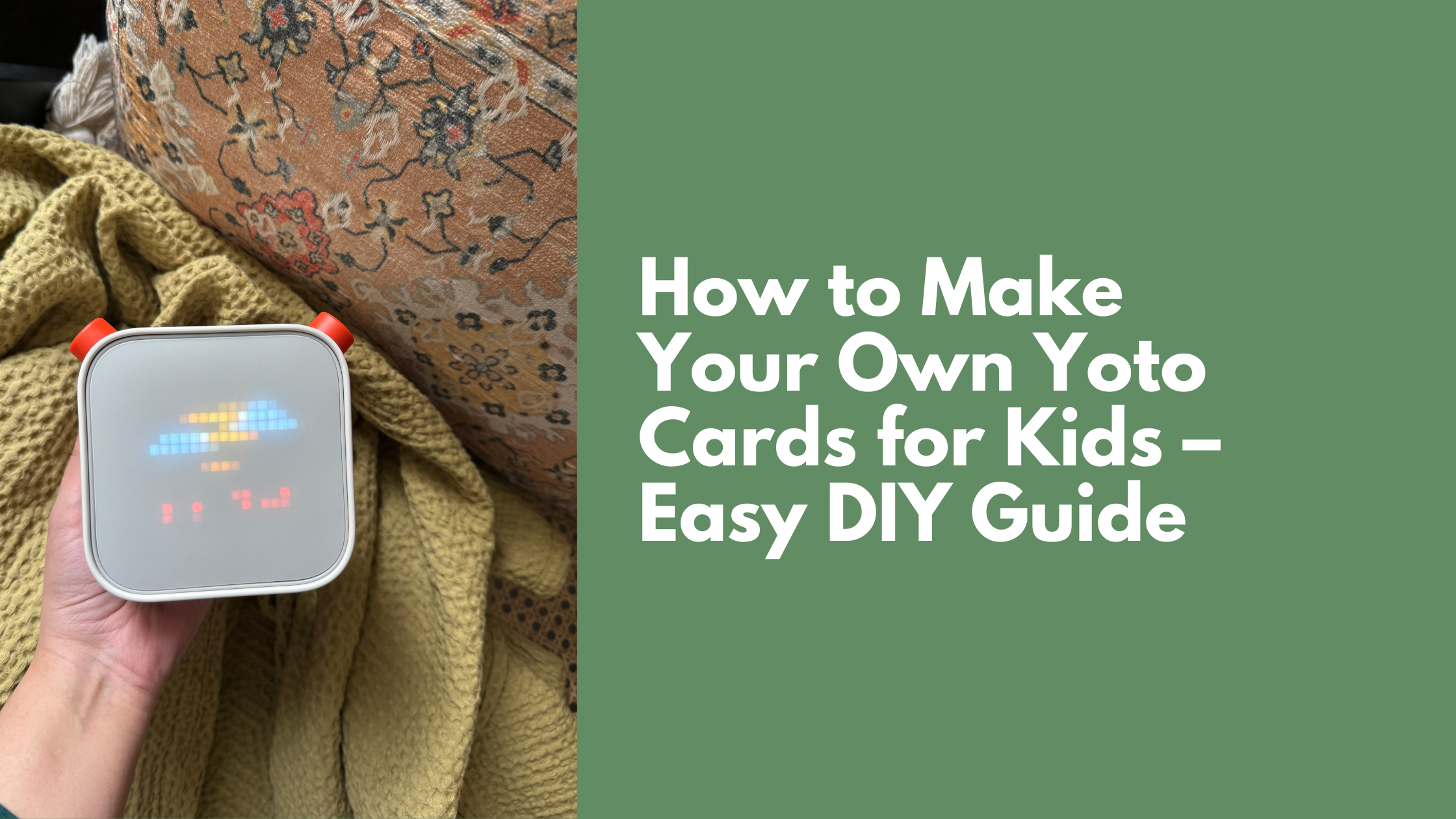
The Yoto Player is a fantastic tool for screen-free storytelling, and one of its best features is the ability to create your own Yoto cards.
With ‘Make Your Own’ Yoto cards, parents can record personalized stories, songs, or messages for their kids, making the listening experience even more meaningful. Whether you want to record bedtime stories, family favorites, or even a special message from a loved one, this guide will walk you through the process and share tips on using the Yoto Player to encourage independent quiet time.
How to Create a ‘Make Your Own’ Yoto Card
FAQ: How many make your own cards do I need?
We only have one right now and it has 9 stories on it. Adding cover images has made it easy for my 3 year old to flip through the options and select the one that corresponds with the book she’s reading.
Ideas for Custom Yoto Cards
Here are a few ideas for how you customize the make your own Yoto cards:
- Personalized bedtime stories recorded in your voice.
- Audio stories for books they already love and gravitate towards.
- Grandparents’ voices reading classic tales.
- Meditation or relaxation stories for winding down.

Tips for Using The Yoto Player for Quiet Time & Screen-Free Play
If your child is new to audiobooks or independent listening, here are some tips to make the transition easier:
- Start Small & Familiar
- Begin with short, engaging stories that your child already loves. We have found that my daughter has the most interest with listening to stories that she’s already familiar with. This is why I love the make your own cards because I can record stories for the books she already loves and hearing a story in my voice creates a sense of familiarity.
- Begin with short, engaging stories that your child already loves. We have found that my daughter has the most interest with listening to stories that she’s already familiar with. This is why I love the make your own cards because I can record stories for the books she already loves and hearing a story in my voice creates a sense of familiarity.
- Pair Listening with a Cozy Setup
- Create a quiet-time nook with pillows, stuffed animals, and soft lighting. Designate a comfortable spot in the house where your child can relax with their Yoto Player. Soft textures, a cozy blanket, and a few favorite plush toys can make the space inviting.
- Let your child have a special ‘Yoto corner’ for independent listening. This could be a small bookshelf with their Yoto cards organized in baskets, a bean bag chair, or even a small tent or canopy to create a sense of privacy and focus. The goal is to make it feel like their own personal retreat for enjoying stories without distractions.
- Make It Part of Routine
- Introduce Yoto during rest time, car rides, or for winding down before bed. We find that keeping a balance is important because we do not want it playing constantly in the background. Background noise can interfere with play and be overstimulating.
- Introduce Yoto during rest time, car rides, or for winding down before bed. We find that keeping a balance is important because we do not want it playing constantly in the background. Background noise can interfere with play and be overstimulating.
- Encourage Hands-On Activities While Listening
- Pair Yoto time with simple activities like coloring, sensory play, or LEGO building. For example, kids can listen to a story while creating a drawing inspired by the plot, sculpting characters with playdough, or even constructing a scene from the story with blocks.
- This helps kids engage with the content, stimulates their imagination, and encourages deeper focus while still enjoying the story.
- Use It as a Screen-Time Alternative
- Instead of morning cartoons, offer a fun Yoto card to start the day. Let your child wake up to a favorite story, a cheerful morning playlist, or an engaging audiobook that sets a calm and positive tone for the day.
- For weekends, challenge kids to a ‘no-screen weekend’ by letting them pick their own stories and engage in audio adventures instead of defaulting to TV or tablets. Pair it with themed activities, like acting out scenes from their favorite story or drawing pictures inspired by what they hear.

Parting Thoughts
The Yoto Player is an incredible tool for fostering independent play, quiet time, and screen-free moments in your child’s day. By creating personalized ‘Make Your Own’ Yoto cards, you can bring a unique and meaningful storytelling experience to your child while helping them build a love for audio content. Whether it’s a bedtime story recorded in your voice or a special greeting from a grandparent, these little moments can make a big impact!
Are you using Yoto for quiet time? Let me know your favorite Yoto hacks in the comments!

Latest Posts
- Is Cocomelon Good for Babies and Toddlers?
- Free December Bucket List for Toddlers and Kids
- Best & Fun Things to Do in Brussels With Kids
- How to Get Kids to Play Longer With the Toys They Already Have
- Fun Things To Do With Kids In Montreal: 2 Day Itinerary
One response to “How to Use ‘Make Your Own’ Yoto Cards to Record Stories for Your Kids”
-
[…] The best part? MYO cards are super cost-effective. Whenever she’s bored of the old ones, I just record new stories and rotate them out. It keeps things fresh without needing to constantly buy new content. I have a tutorial for how to record MYO cards HERE. […]
Leave a Reply